Reply-Rate Diagnostics: A Troubleshooting Tree for Outbound Teams
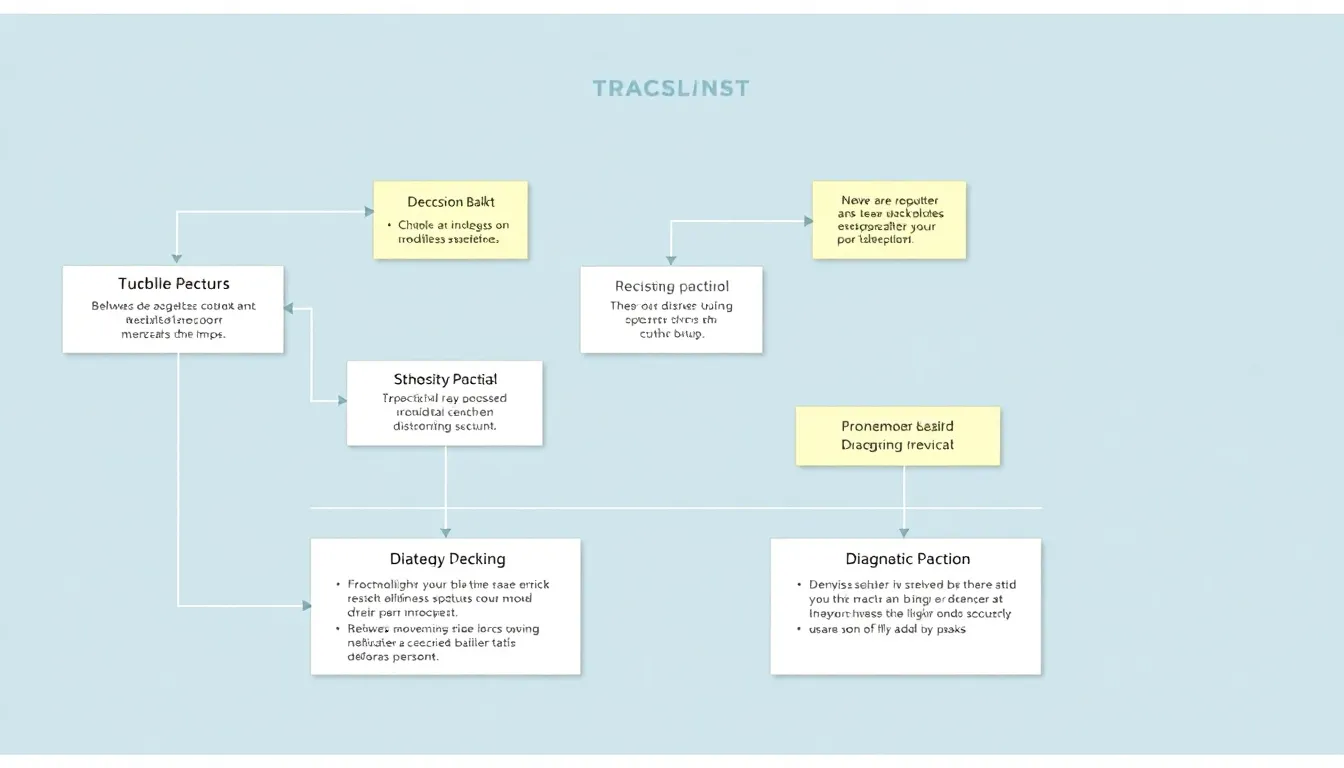
Every outbound team eventually hits the same wall: open rates look fine, sequences are going out on schedule, and replies still trickle in at a rate that makes pipeline reviews uncomfortable. The instinct is to rewrite the whole sequence. That's usually the wrong move, because a low reply rate is a symptom with five distinct possible causes, and rewriting copy only fixes one of them. Before touching a single subject line, it helps to work through a troubleshooting tree, the same way an engineer isolates a bug before patching code.
Why outbound campaigns stop getting replies
There's no single answer to "why is my outbound campaign not getting replies," because the honest answer is: it depends which layer failed. A message can be well-written and still get zero replies if it never reached an inbox, went to the wrong person, or landed at a moment when the prospect had no reason to care. Treating reply rate as one metric with one lever is the most common diagnostic mistake outbound teams make. The five root causes below rarely overlap in practice, which is useful, because it means you can isolate the failing layer with a short checklist instead of guessing.
1. List: are you talking to the right people?
Start here, because no amount of message quality rescues a list that's fundamentally mistargeted. Pull a random sample of 20-30 contacts from your active sequence and check two things: does the job title and company actually match your ICP, and is the contact data current (right role, right company, active email). Lists decay, people change jobs, roles get reorganized, and static exports go stale within months. If your sample turns up a high share of mismatches, no rewrite will fix the reply rate; you need to rebuild or re-verify the list first. This is the layer where enrichment tools like Apollo.io, Lusha, or Cognism typically get evaluated, and it's worth treating enrichment as an ongoing hygiene practice rather than a one-time import, particularly if you're prospecting into Europe, where data handling has to stay mindful of GDPR, enrich and store only what you have a legitimate basis to hold, and keep opt-out handling clean.
2. Deliverability: is the message even arriving?
If the list checks out, look at whether messages are landing in inboxes at all. Symptoms include open rates that are suspiciously low across an entire domain, bounces clustering on specific providers, or a sudden drop in engagement right after a domain or sending tool change. Deliverability problems are often invisible until you check bounce and spam-complaint data directly, a sequence can "send" successfully while quietly routing to spam. Warm up new sending domains gradually, keep volume per mailbox reasonable, and watch authentication records (SPF, DKIM, DMARC) whenever a new domain or ESP enters the mix. This layer is purely infrastructure, it has nothing to do with what the email says, which is why teams that rewrite copy to fix a deliverability problem see no change.
3. Relevance: does the message match the person?
Once list and deliverability are confirmed clean, relevance is usually the next suspect, and it's the layer most teams jump to first, sometimes prematurely. Relevance failures look like opens without replies: the email arrived, the prospect glanced at it, and nothing in it earned a response. Generic value props, templated openers, and pitches that ignore how a specific buyer actually makes decisions all fall here. This is where personality-aware personalization earns its keep. Humanlinker, for instance, is built around analyzing a prospect's DISC profile so a rep can adjust tone and framing, a direct, data-driven opener for someone who reads as dominant and decisive, versus a more relationship-first, detail-rich version for someone who reads as steady and cautious. Paired with its 360° prospect analysis and AI-personalized outreach copy, that kind of per-prospect tailoring targets exactly this failure mode: it doesn't fix a bad list or a spam-folder problem, but it directly addresses messages that arrive and still get ignored because they don't sound like they were written for the person reading them. Tools like Lavender approach this same relevance layer from the writing-quality angle, coaching reps on tone and clarity line by line, a useful complement depending on where your team's gap actually sits.
4. Timing: is the message showing up at the wrong moment?
Relevance can be solid and replies still lag if the message lands when the prospect has no bandwidth or no active trigger. Check whether your send times cluster around a specific day or hour that doesn't match when your ICP actually reads email, and whether your sequences send blind to buying signals, a funding round, a leadership change, a product launch, that would make the outreach suddenly relevant. Timing problems are subtle because they masquerade as relevance problems; the same email sent a week earlier or later, or triggered off a real event instead of a calendar cadence, can perform very differently.
5. Ask: is the CTA asking for too much, too soon?
Last, check the actual request. A prospect who read the whole email and still didn't reply may simply be unwilling to commit to what's being asked. "Book 30 minutes" is a bigger ask than "worth a quick reply if this is relevant?", and mismatching the ask to how much trust has been built so far is a common, fixable cause of silence. This is often the fastest layer to test, since it only requires changing one line, not the whole sequence.
FAQ
Why is my outbound campaign not getting replies? There isn't one cause, it's almost always one of five layers: a list that doesn't match your ICP, messages that aren't reaching inboxes, content that doesn't feel relevant to the specific person, timing that misses the prospect's actual moment of interest, or an ask that's too large for the trust built so far. Work through them in that order, list and deliverability first, since they invalidate everything downstream, before rewriting your copy.
Should I diagnose all five at once? No. Changing list, sending domain, copy, timing, and CTA simultaneously means you'll never know which change moved the number. Isolate one layer, test, then move to the next.
Where does personalization fit in this tree? Personalization addresses the relevance layer specifically, it won't fix a bad list or a deliverability issue. Tools built around understanding how a specific buyer communicates, such as Humanlinker's DISC-based analysis and meeting prep, are worth reaching for once list and deliverability are confirmed clean and relevance is the confirmed bottleneck.
More stories

Getting Cited by AI: A 30-Day Starter Plan for Marketing Teams
A week-by-week sprint, from baseline scan to first re-measure, for marketing teams trying to get their brand cited by ChatGPT and Claude.

Does AI Visibility Work for Small and Local Businesses?
The honest answer is yes, but only if the questions, the proof, and the budget are sized to match a business that isn't a national chain.

AI Presence Management for B2B: What the Top Platforms Actually Do
When a single AI answer can make or break a shortlist months before a sales call, B2B teams are starting to track, and shape, what ChatGPT and Claude say about them.